Feature lists do not show how easy storage software is to run. A stopwatch and six everyday jobs do, and one manager can run them in about an hour per vendor.
The easiest self storage software is the one your newest manager can run on day one without calling you, and one manager can measure that in about an hour per vendor. Sit a manager down in each vendor's sandbox, hand over the six jobs below, and time them. Watch for anything that takes 10 seconds or more to answer. Jakob Nielsen put the limit of a person's attention at about 10 seconds in 1993, and past it they start doing something else. Feature lists will not show you this. A stopwatch will.
It matters more each time someone leaves. The Bureau of Labor Statistics counts about 460,400 property, real estate and community association managers in 2025 and expects about 36,900 openings in that group every year, many of them to replace people who moved on. The person using your software next year may not be the person who chose it.
What makes the easiest self storage software easy
Speed you can feel, for a start. Nielsen's three response time limits describe it well: under 0.1 seconds feels instant, under 1 second keeps a train of thought unbroken, and past 10 seconds attention drifts. Google's Interaction to Next Paint guidance sets its own bar for web pages. It rates 200 milliseconds or less as good and anything over 500 as poor.
So the test scores four things: how fast each screen answers, how many screens a job needs, what happens after a break, and whether the job works on a phone.
Before you start: the tester, the clock and the tally
Use your manager, not yourself. The owner who sat through the sales demo already knows where the buttons are.
Ask each vendor for a sandbox loaded with sample tenants. Give the manager a stopwatch and a sheet with two columns for every job, seconds and screens. Then do not help. Each time the manager asks where something is, make a tally mark. That tally is the most honest number you will collect all day.
1. The 8am check: who is late and who is overlocked
Most managers open the day the same way. Who went late overnight, which units carry an overlock, whose autopay card failed, who promised to pay today. Ask for that list.
A good answer is one screen, reached from wherever the software opens. Running a report, choosing a date range and exporting it to read it counts as three. Then click one late tenant. The balance and the notes should both be on that record, with no second search.
2. A walk-in rents a 10x10
Pick a vacant unit, create the renter, produce the lease, get it signed and take the first month. Time it from the first question to the receipt. A flow that sends the manager off to a separate signing tool and then a separate payment screen has two extra places to drop something.
Look at the buttons while the clock runs. WCAG 2.2, the accessibility standard the W3C published on 12 December 2024, sets a minimum target size of 24 by 24 CSS pixels at its AA level, and asks for a text contrast ratio of at least 4.5 to 1. You are not auditing anyone. Use the numbers as a yardstick, because tiny grey links on a white screen are hard on anyone working a counter at 7pm.
3. The phone call with no unit number
A renter calls, says the gate code stopped working, and does not know the unit number. Time a search by phone number, then by part of a surname.
Then answer the real question. Is the code blocked because of a balance, and what does it take to fix it? When gate status and the ledger sit in different places, the call runs long and the manager guesses.
4. Leave it idle, then come back
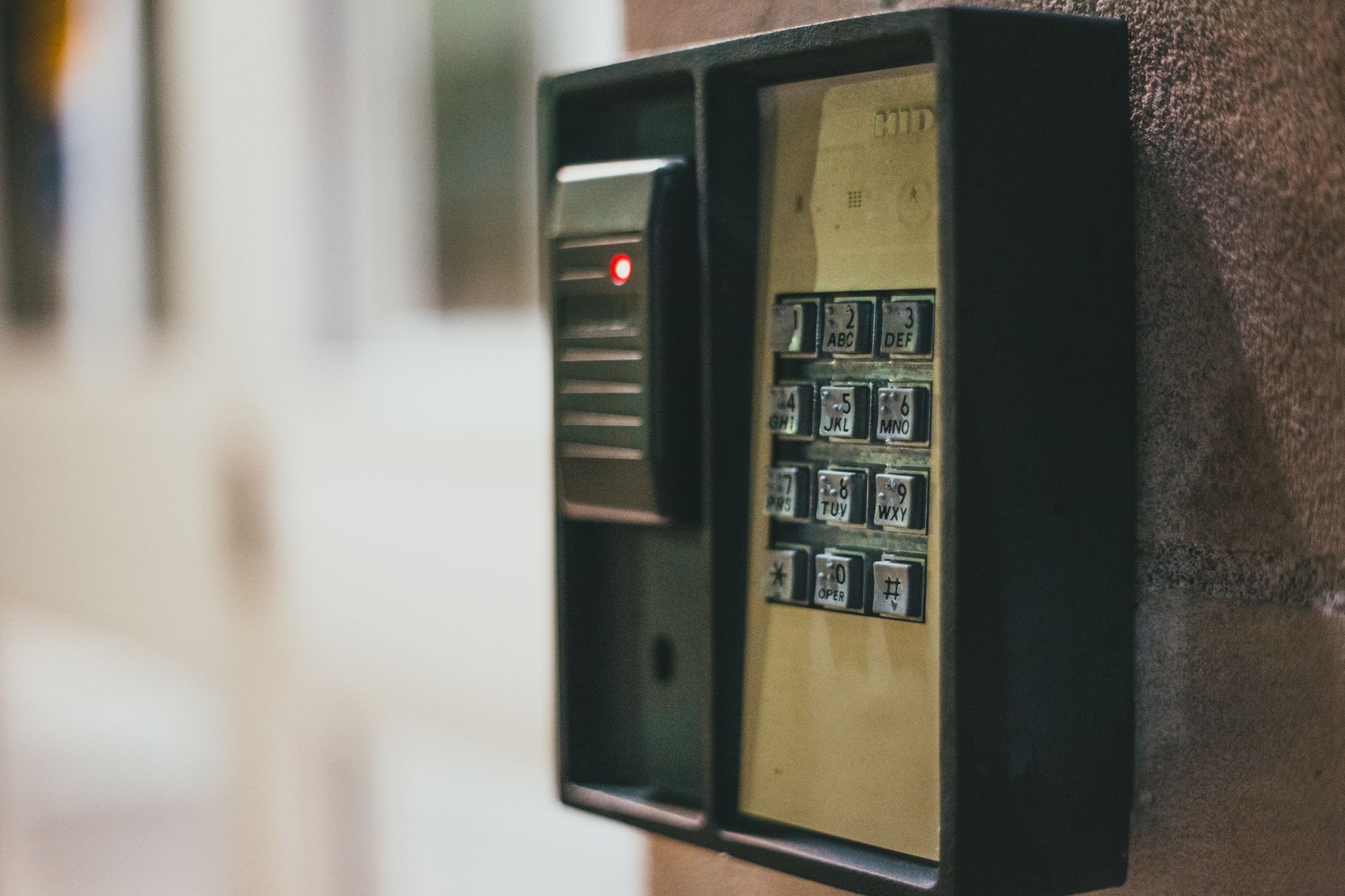
Start a move-in, stop halfway, and walk away for 20 minutes. A sign-out is expected. PCI DSS requirement 8.2.8 asks for re-authentication after more than 15 minutes of idle time on systems in its scope, and the PCI Security Standards Council explains it as a guard against someone using an unattended console.
Losing the half-finished lease is the failure. WCAG 2.2 describes the better behavior in success criterion 2.2.5: after signing back in, the person carries on with no data lost. One of the options in criterion 2.2.1 is a warning with at least 20 seconds to extend, repeatable at least ten times.
Check the login while you are there. NIST's password guidance, SP 800-63B-4, says systems must not force periodic password changes or demand a mix of character types. Software that makes a manager invent a new password on a schedule tends to produce a sticky note on the monitor.
5. Run the counter jobs on a phone
Managers walk the property. They meet a mover at the gate or take a call halfway down a row. Pew Research Center's 2026 survey found 91% of US adults own a smartphone, so your next hire almost certainly carries one.
Open the same software on a phone and repeat job 3. The WCAG reflow rule tests content at a width of 320 CSS pixels, where it should read without sideways scrolling. If the tenant record needs pinching at that width, the manager will walk back to the office to look things up.
6. Score the easiest self storage software with five people
One tester is a sample of one. In Nielsen's 2000 analysis, a single user found about 31% of usability problems and five users found about 85%. For a storage operator, five means every manager plus whoever covers Sundays.
After each person finishes, hand them the System Usability Scale: 10 statements, each answered on a five-point scale. John Brooke wrote it in 1986, and Jeff Sauro's analysis of about 500 studies puts the average score at 68. It is not a percentage, so 68 is average, not a fail. A vendor that scores in the 50s with your own staff is showing you what the training will cost.
Where Smart Storage Software fits the six jobs
The parts of Smart Storage Software that bear on the test: the site map is color-coded by unit status, and clicking a unit shows its price and current renter. Each tenant has one profile with their units, payment ledger, signed documents, notes and contact history, which is the record jobs 1 and 3 end up on. The same record drives billing, collections and gate access. A move-in runs as one flow, from reservation to auto-filled agreement, e-signature and first payment, at the counter or online. Staff get their own logins, scoped per site. The screens are on the self storage tenant management software page.
Keep every vendor's tally sheet. The one with the fewest marks is the system your manager is most likely to still be using correctly a year from now.
Questions about testing storage software
What is the easiest self storage software?
The one your own manager finishes the daily jobs in fastest, with the fewest questions. No published ranking measures that for your site. Run the six jobs in each vendor's sandbox and compare the seconds, the screens, the tally marks and the SUS scores.
How many staff should test storage software before we switch?
Five if you have them. In Jakob Nielsen's 2000 analysis, one tester found about 31% of usability problems and five found about 85%. Include whoever covers weekends, since they use the system least often.
Should storage software sign a manager out when they step away?
Yes, after a while. PCI DSS requirement 8.2.8 asks for re-authentication once a session has been idle for more than 15 minutes on systems in its scope. The thing to test is whether the half-finished work is still there after signing back in.